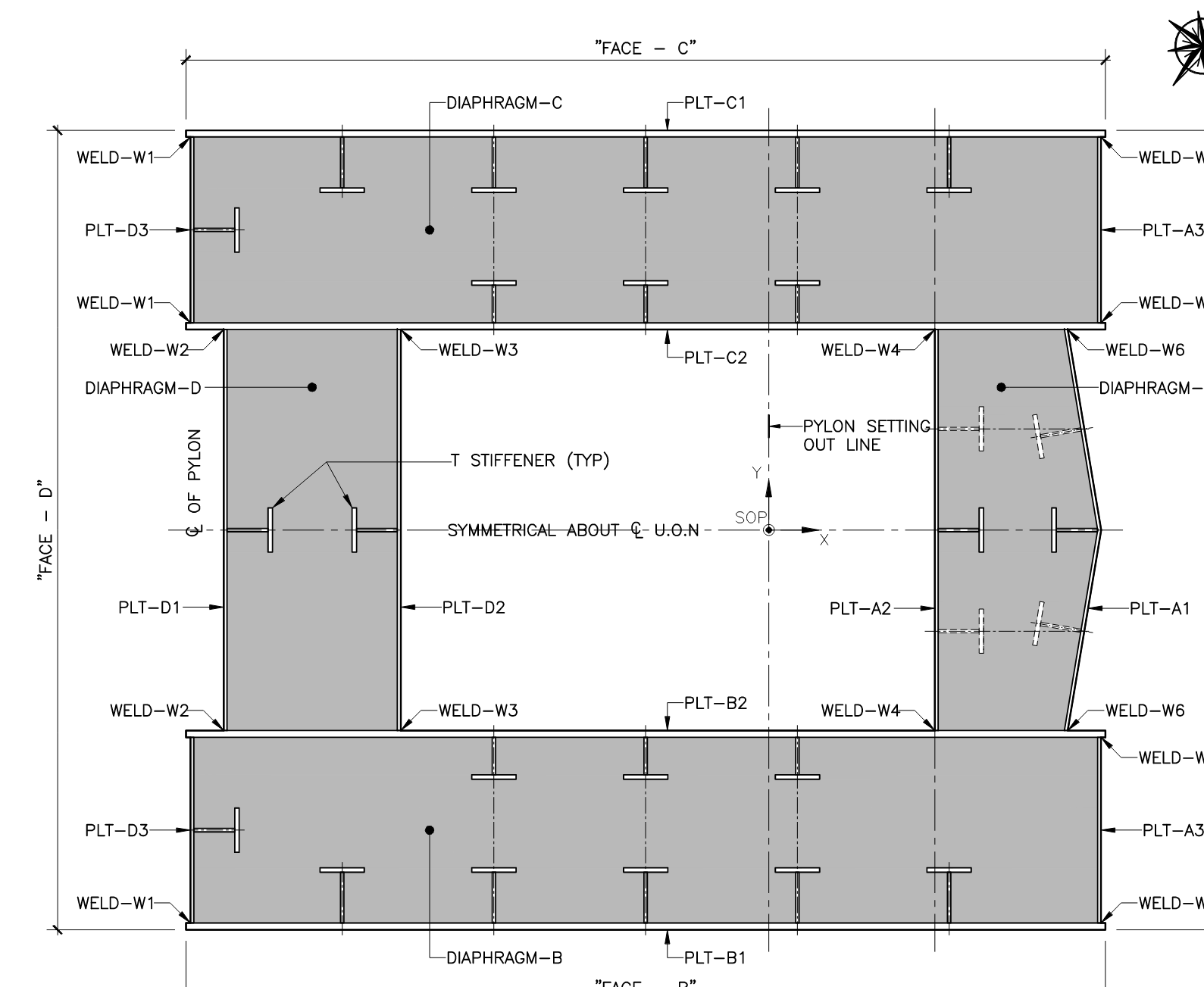
I trying to build a composite section based on a user defined thin walled element. When I create a composite section in SofiPlus it only allows me to use standard steel shapes (I have a stiffened box girder). Can I import a user defined section or similar?
with the Cross Section Editor (CSE) in SOFiPLUS it is also possible to create a thin-walled composite section as a box girder with concrete plate. Here you can define with Thin-walled Cross Sections Element steel plates and concrete plates. The corresponding material (steel or concrete) has to be selected in this dialog.
Please note that the cross section has to be created as New Thin Walled Sections → Composite. The master material is preset as steel material. For the thin-walled concrete plate it is possible to add reinforcements. The shear connections between the steel and concrete plates can be defined with Thin-walled Shear Connection → use here ‘Shear force check (Dowel)’. The thin-walled elements including those for the stiffeners have to be connected at the corresponding start and end points.
It is also possible to define the cross section with the program AQUA e.g. in a TEDDY file and import them from this database into SOFiPLUS, click in SOFiPLUS on ‘Cross Sections’ → right-mouse menu – Import.
With kind regards
Sabine Fahrendholz
Senior Product Manager
Thank you for your message. I have a steel box girder that is infilled with concrete, i.e. my concrete part cannot be represented by a thin walled element. See below example of section I am looking for, where the hatch represents concrete.