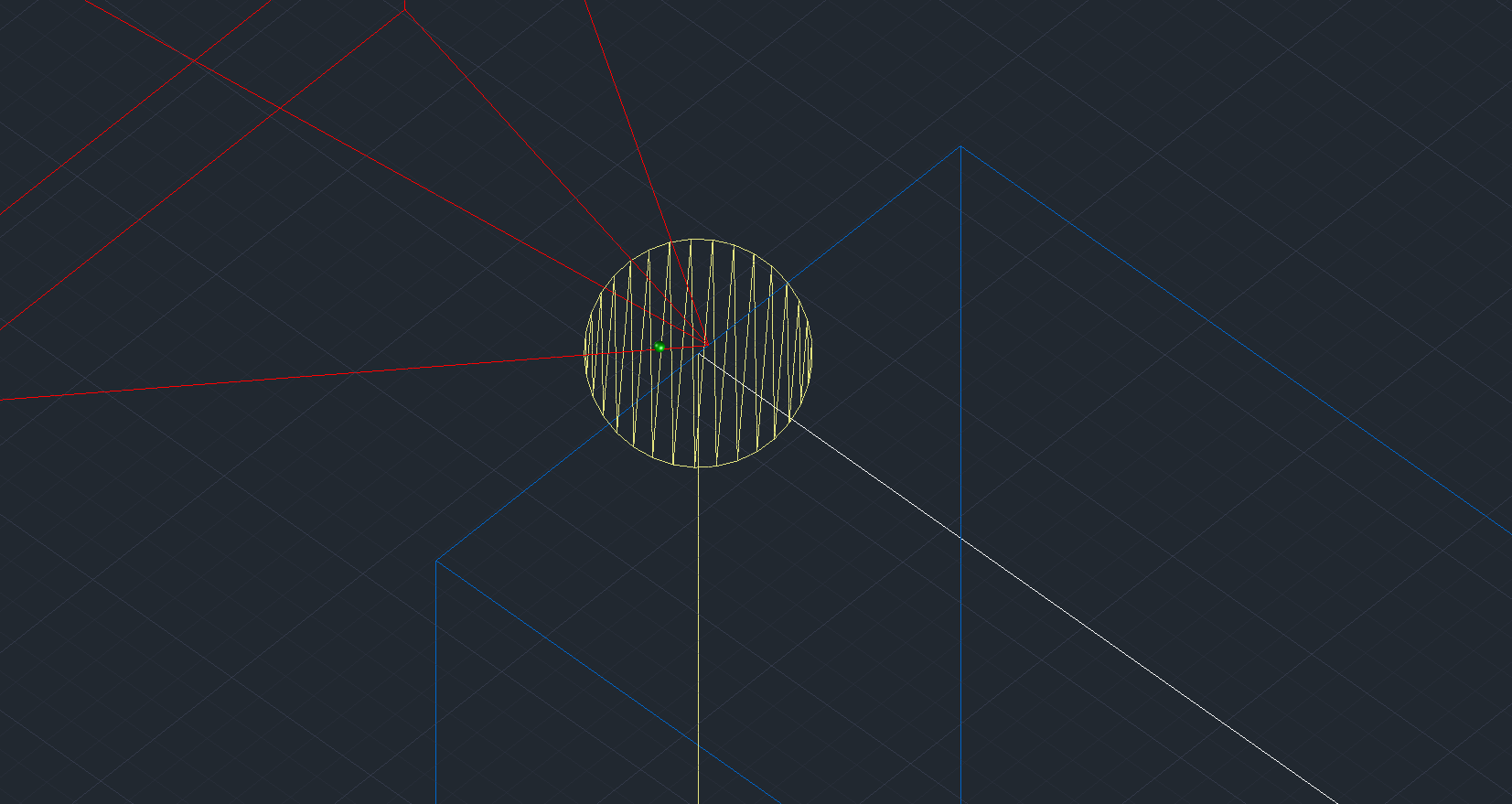
Hello, I’m beginner in SOFISTIK, supports in my model for some reason moved from the point. I dont know where do I turn off this offset and does it affect calculations. Please help if you know
3 Answers
3This may be a display issue in AutoCAD. Try using the “ID” command to check the coordinates of the points that appear to be different. Alternatively, measure the distance between those points.
Important: Whenever you click somewhere (for example, when creating a line or placing a point), you should always work carefully using the object snap options.
Best regards,
Jost
Just created new file, there was no such problem
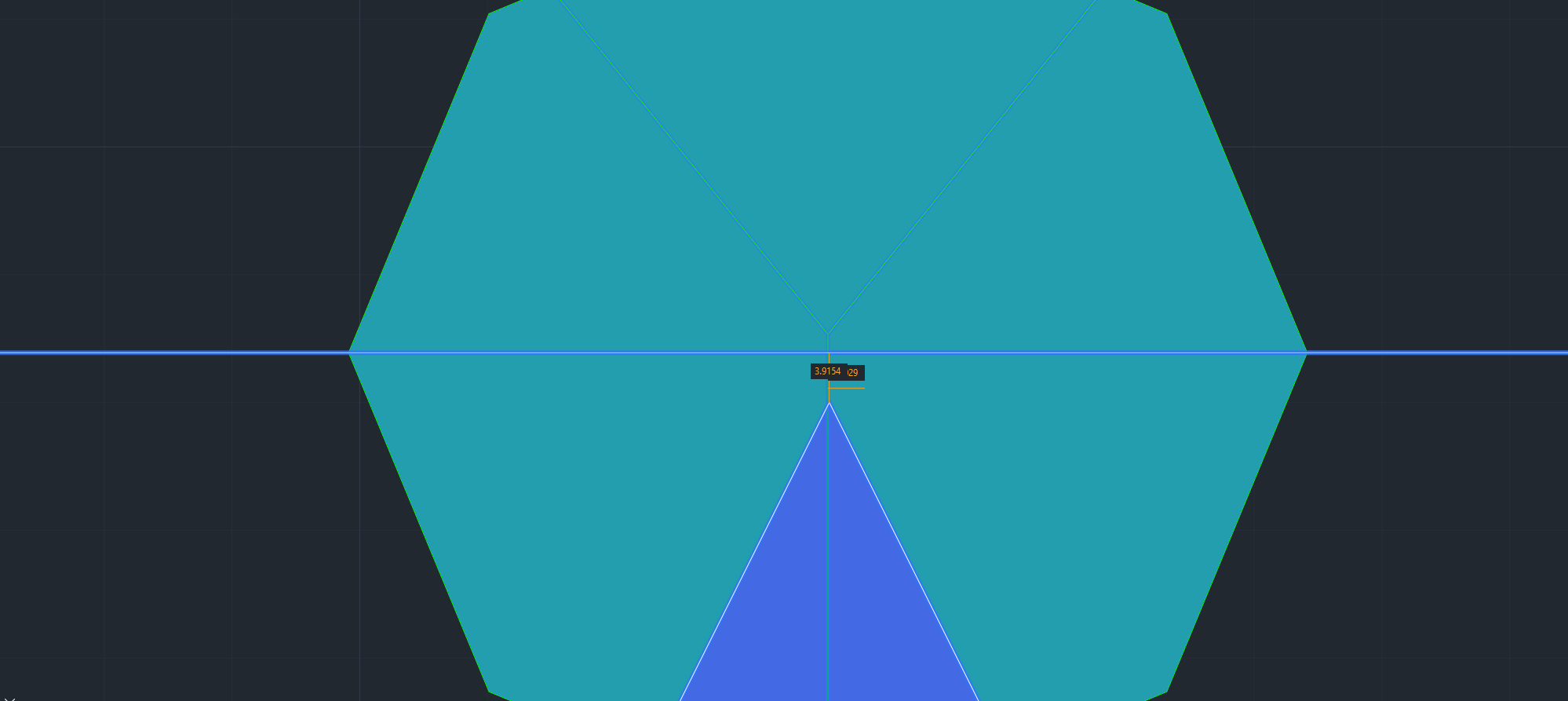
The points are where thy sould be. By creating supports with line or point, for some reason they move away and I try to figure out why. ID command didnt show anything, but thanks for suggesting it. I'll add screenshot from the top to show offset
– amet