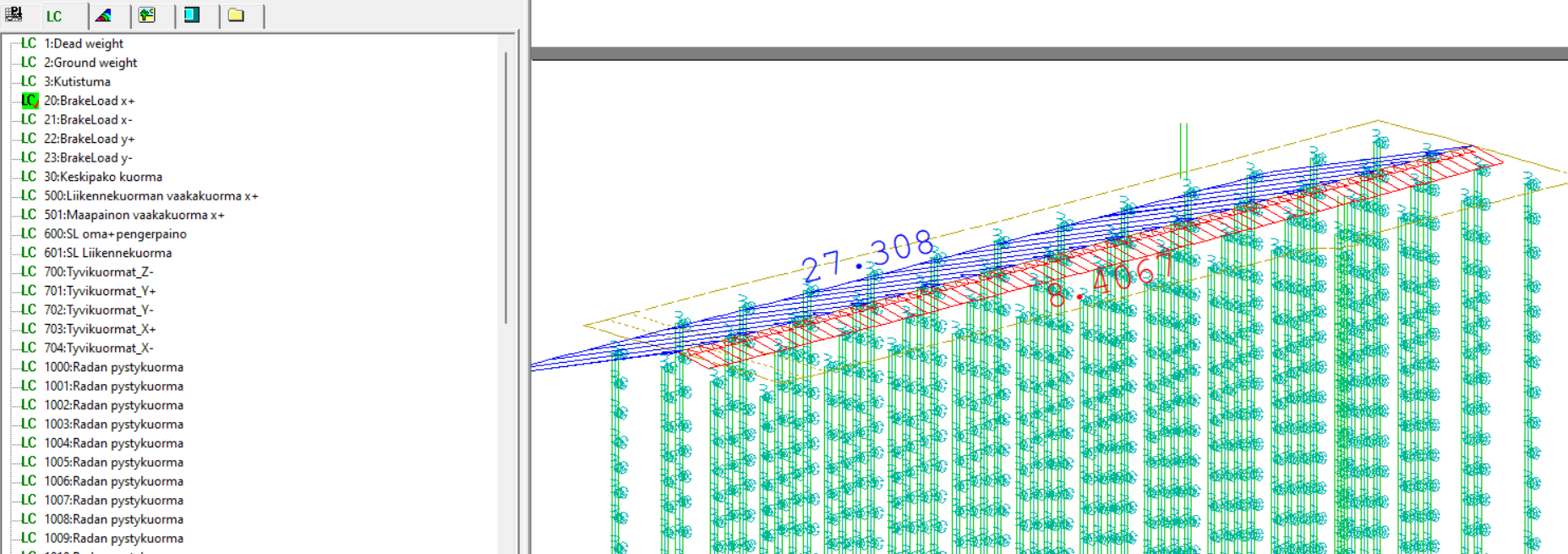
Any hints on how to make SOFiSTiK preview loads in local coordinates instead of global ones? In Grasshopper, the loads are previewed correctly.
In addition, node displacements in wingraph are shown in global axes.
Hello MoMo,
This is a known limitation of the older interface version. Loads are decomposed into global X, Y, Z components before being passed to SOFiSTiK, so WinGraph displays them as separate components rather than a single force in the local direction.
This has been improved in the 2026 interface. Load components are now split into Hosted Loads and Free Loads, and you can define the load direction by selecting a local or global axis directly, so the load is passed as a single force and displayed correctly in WinGraph.
I’d recommend updating to the 2026 interface if that’s an option for you.
Thanks,
Dariusz from SOFiSTiK