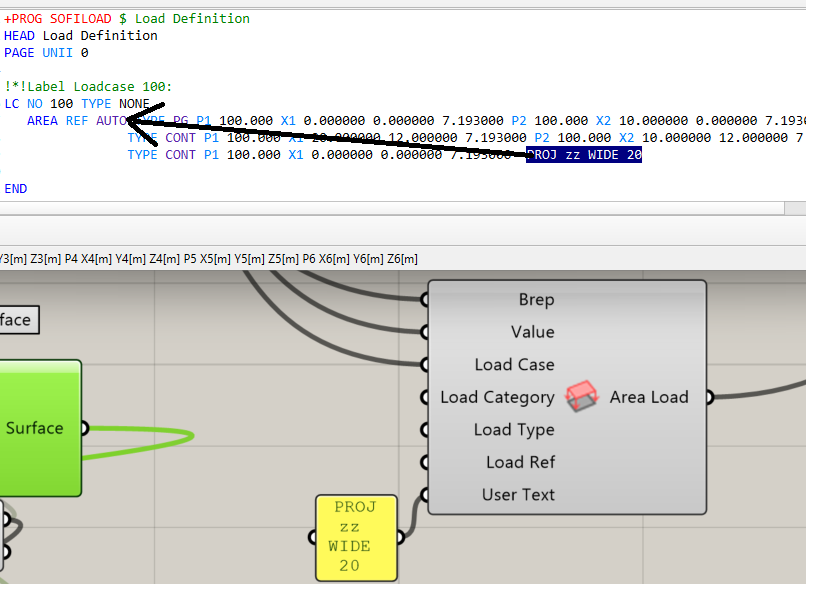
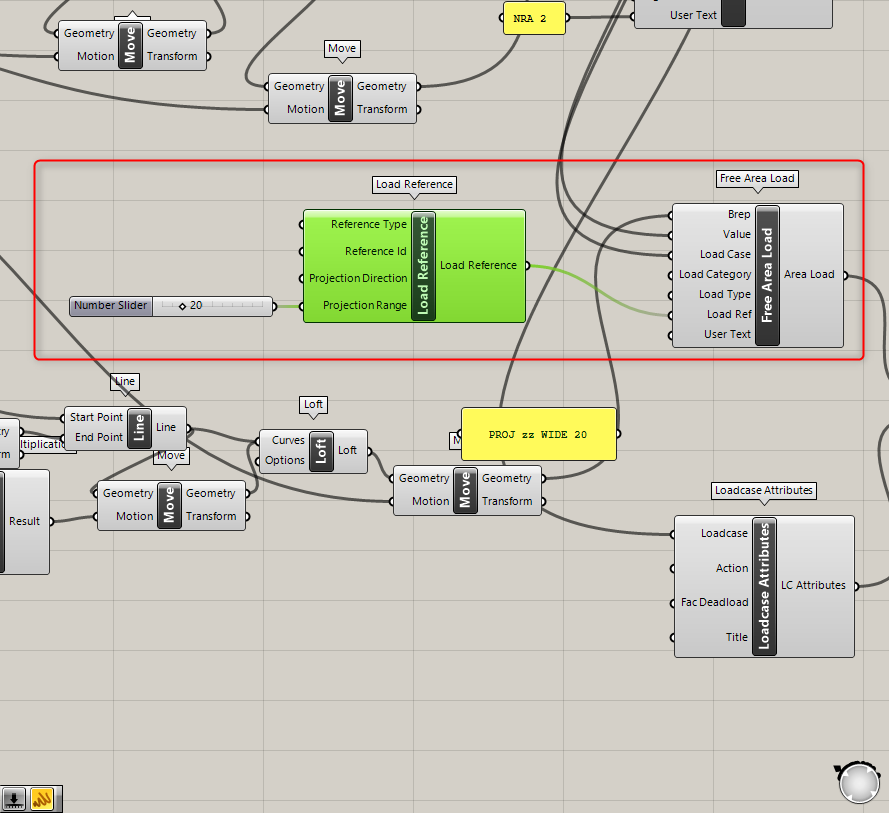
I defined a structural area in Grasshopper and another one for the AREA load function. The structural area has an identifier and the the load has the user text “PROJ zz WIDE 20” to project loads on elements located at a distance in z direction.
If both areas are at the exact same location, the loads are applied correctly. However, if the areas are separated by a gap in z direction, loads are not applied on the structural elements anymore.
I figured out, that moving the user text manually to the first line solves the problem. But I believe there must be another way using the grasshopper tools.