Hello there,
I am using for 3 years now, at work, Reinforcement Detailing 2022, and I wanted to try 2026, installed trial at home and … what a disappointment.
The 2022 version was best tool (for me) to detail rebar using “tag & detail” and “Mark” ribbons.
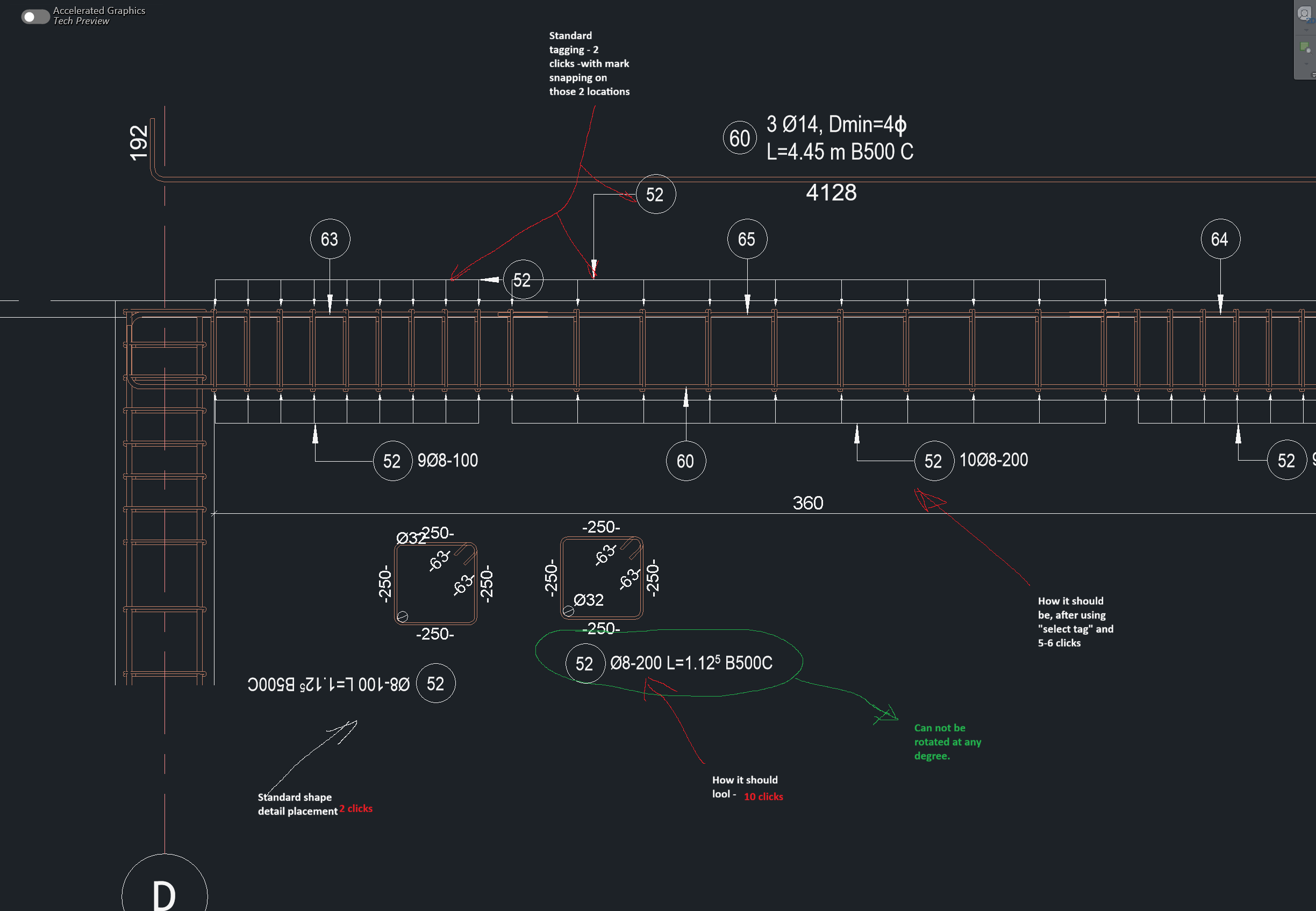
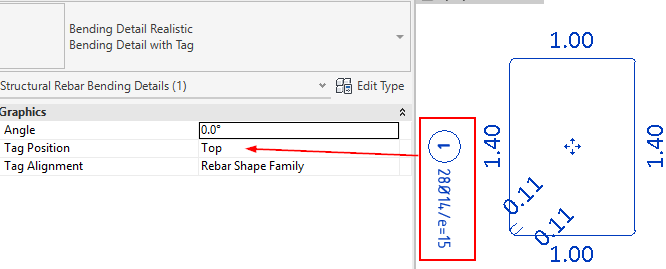
Now, “shape detail” lost functionality when placing, when adjusting, introduced 3-4 steps after bending shape placement, to move text and more frustrating the imposibility to rotate tag text at 90*. I feel that is worse than standard revit tag.
Moreover the rebar annotation (single and multi) lost the only thing that made sofistik great ( 3 click mark placement) first on rebar, second for arrow position and third for mark position. Now when i place tag it snaps at a certain distance and i need to use”select tag” to move it, when in 2022 i just click and drag.
Bending radius is placed awfull, must drag it in to place. And many more things.
I wonder why this and what was the problem before!?