I have noticed that when creating attribute areas in SOFiPLUS to locally change the original slab’s thickness, the local coordinate system of the original slab is overwritten by the coordinate system of the attribute area. However, it is not even possible to display the local coordinate system of the attribute area in SOFiPLUS.
I can align the attribute area’s coordinate system, but I wanted to ask if this is intentional behaviour since it is not possible to display the coordinate system of attribute areas in SOFiPLUS.
I think this is an accidental feature. It was never intended that the elements of an attribute area could be oriented differently. However, if a particular orientation does work, you are welcome to make use of that feature.
I would prefer this feature didn’t exist, or at least to be something that can be explicitly turned on/off , since I mainly use attribute areas to make specific changes to the original slab and don’t want those changes to affect the local coordinate system. The resulting change in the coordinate system is not easy to notice and requires extra caution and additional steps to detect.
There was similar program behavior in the past, but it should actually have been fixed. Based on your description, I am unable to reproduce this behavior. The current behavior is as follows: an attribute area adopts the local directions of the SAR. Once it has been assigned a different orientation, however, it retains that orientation.
Could you upload a small DWG file containing the model? And could you provide an explanation of how the behavior can be reproduced? Please try to reproduce it yourself once more beforehand and then provide us with a step-by-step description. Alternatively, you can also create a video.
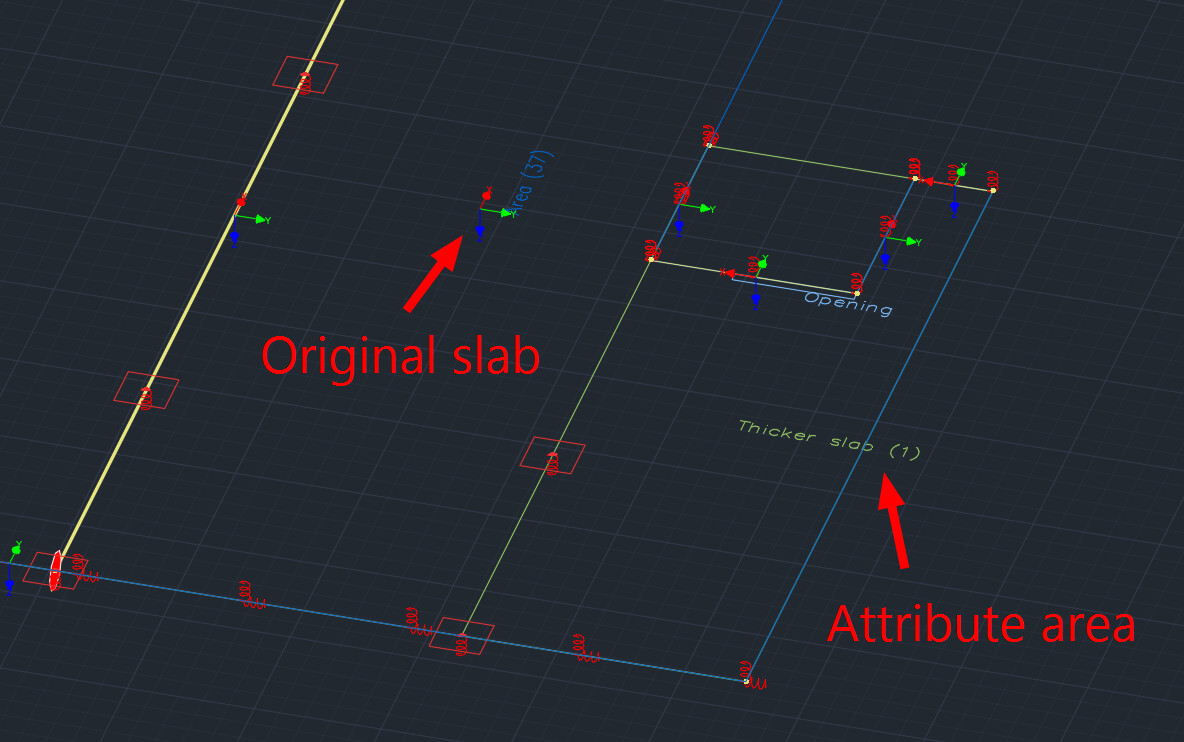
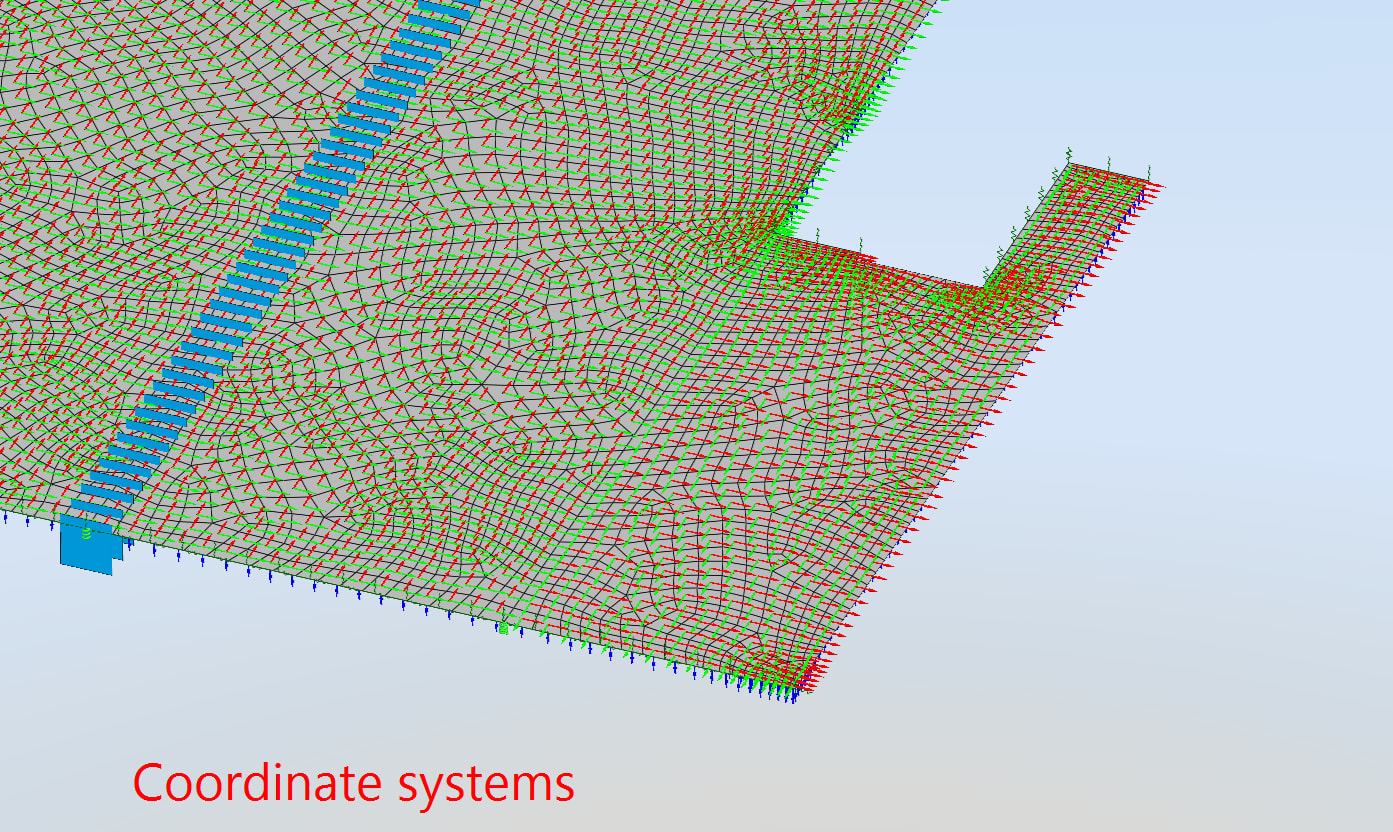
 , since I mainly use attribute areas to make specific changes to the original slab and don’t want those changes to affect the local coordinate system. The resulting change in the coordinate system is not easy to notice and requires extra caution and additional steps to detect.