Dear SOFiSTiK Support Team,
I am currently facing difficulties activating the SBIM Nodes add-on in Dynamo during the installation. I have followed the available online documentation, but I have not been able to activate the nodes successfully. I have tested this with Revit 2024 and Revit 2026, both installed with their corresponding SBIM versions.
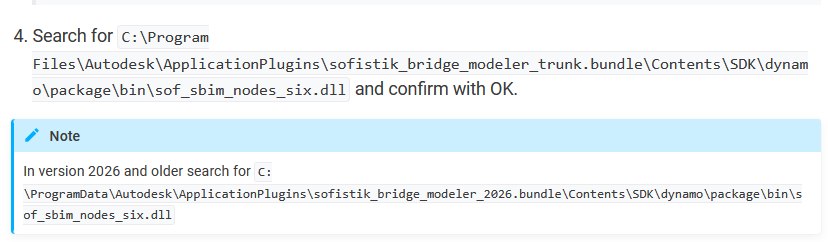
According to the web instructions, activation requires importing the file “sof_sbim_nodes_six.dll” from the directory:
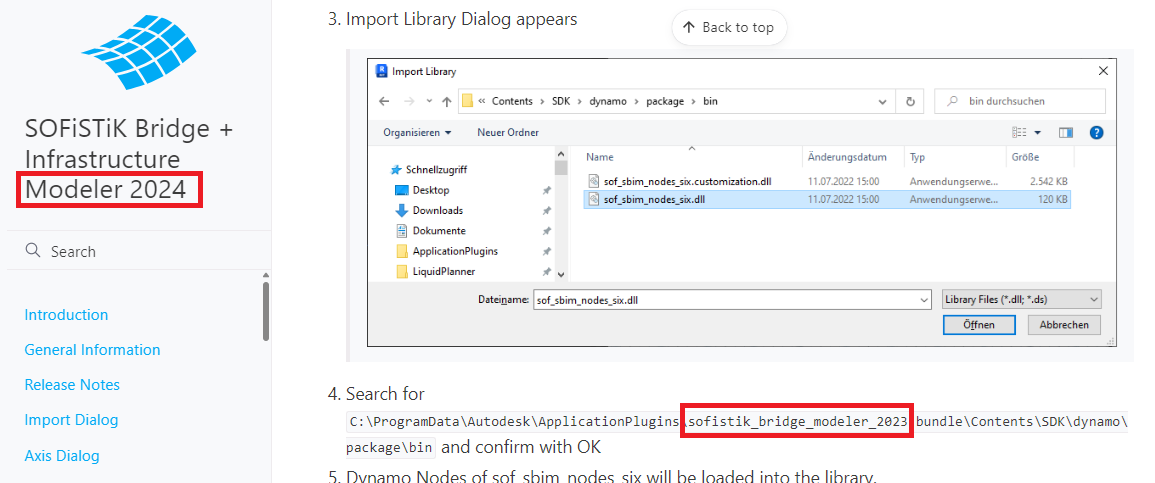
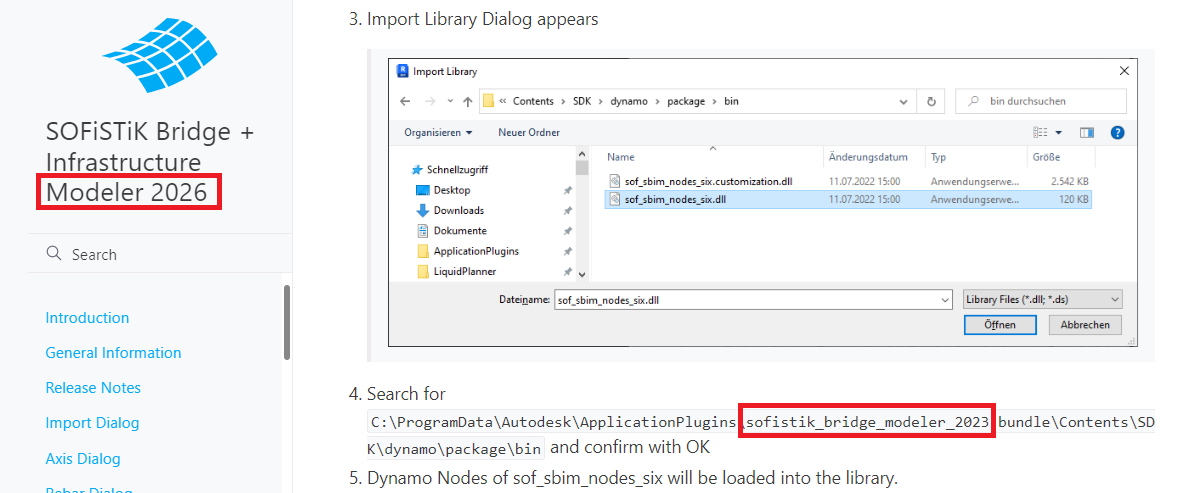
“C:\ProgramData\Autodesk\ApplicationPlugins\sofistik_bridge_modeler_2023\bundle\Contents\SDK\dynamo\package\bin”
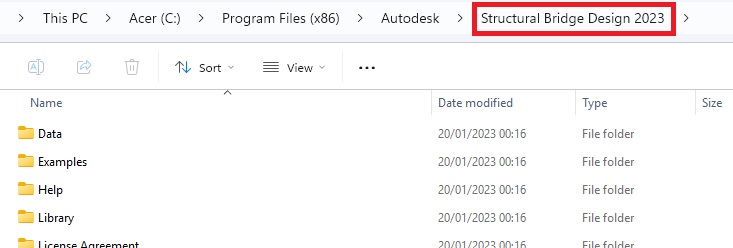
However, on my PC, I cannot locate this file or the specified folder. Instead, I found a similar folder named “Structural Bridge Design 2023” under:
C:\Program Files (x86)\Autodesk\Structural Bridge Design 2023\
—but it contains different files and no DLLs related to sof_sbim_nodes_six.
Additionally, I noticed that in the online documentation for both SOFiSTiK Bridge + Infrastructure Modeler 2024 and 2026, the instructions still reference the same folder path for version 2023 (please see attached screenshots for clarification).
I also tried activating the add-on using the newer Revit version (2026), but the folder on my system does not update after installation, since the setup runs directly via an .exe file.
Could you please assist me in understanding:
-
Whether the sof_sbim_nodes_six.dll file is still used or has been replaced in newer versions of SBIM, and
-
Where I can find (or how I can generate) the correct file for Dynamo node activation in Revit 2024 or 2026.
Attached are the following screenshots for reference:
-
The folder currently available on my PC (Structural Bridge Design 2023)
-
Documentation for SOFiSTiK Bridge + Infrastructure Modeler 2024
-
Documentation for SOFiSTiK Bridge + Infrastructure Modeler 2026
Thank you very much for your time and support.
I would greatly appreciate any guidance or updated instructions you can provide regarding this issue.
Kind regards,
Bora Tufa